Llama 3.1 8BText · 16GB+ guide
General chat, agents and RAG
Find the GPU that fits your model, budget and region in one place. Compare current OnePloy prices, see where capacity is available, and move from discovery to rental with fewer steps.
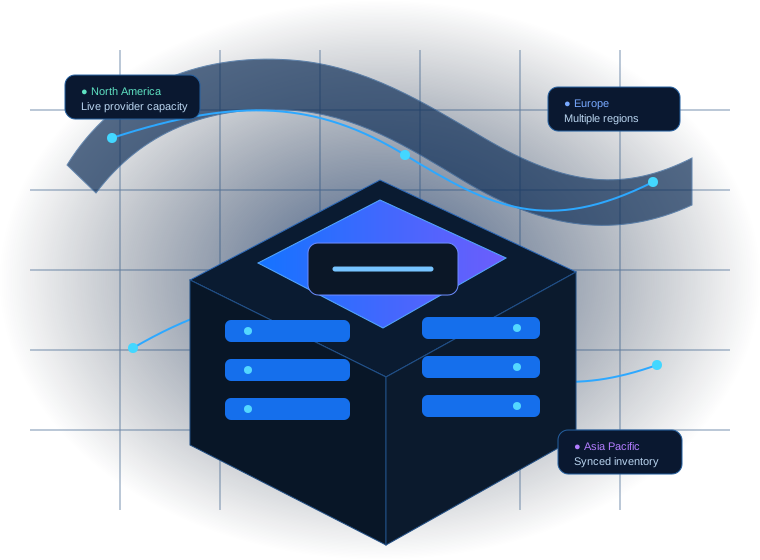
Filter by GPU, memory, region and availability. Each model has one clean OnePloy page with current prices and locations.
Use the memory guide to narrow the GPU class, then check the individual GPU page for current availability. Actual memory use still depends on model size, precision and workload settings.
General chat, agents and RAG
Large-model inference; quantization changes requirements

Multilingual assistants and agents
Reasoning and multilingual workloads

Efficient open-weight inference
Mixture-of-experts workloads

Multimodal and instruction workloads

Reasoning and coding
Availability changes continuously. OnePloy keeps the current GPU, region and price together so you can make a faster decision.
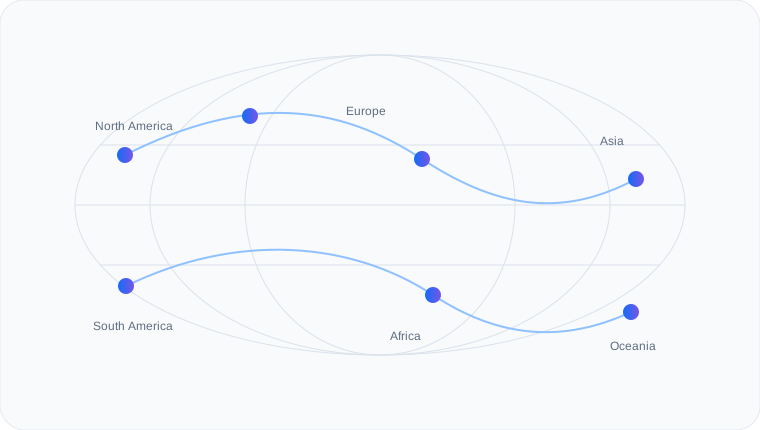
Run language, vision and multimodal models on dedicated GPU capacity.
Choose higher-memory GPUs for model adaptation and training jobs.
Give agent workflows dependable GPU capacity for model-powered tasks.
Accelerate generation, creative pipelines and visual AI workloads.
Use dedicated GPUs for experiments, simulation and large batch workloads.
Spin up temporary capacity for testing, demos and evaluation.
Compare per-second, hourly, monthly and yearly estimates without doing the maths yourself.
Instead of checking multiple sites and rebuilding the same comparison by hand, OnePloy keeps the important buying information in one experience.

See GPU models, memory, current regions and OnePloy prices without jumping between separate marketplaces.
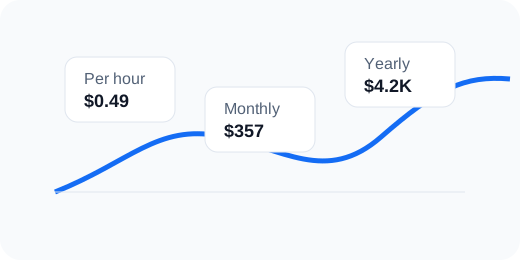
Switch between seconds, hours, months and years so the cost makes sense for your actual workload.
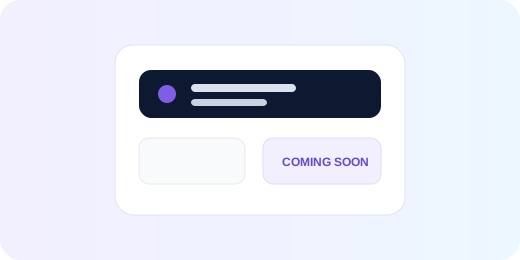
Available GPUs lead into rental. GPUs that are not ready yet can collect your interest without creating a dead end.
Start from the model, memory and workload you need.
See current locations and OnePloy pricing.
Pick the option that best fits your budget and location.
Move from rental to your AI job without another marketplace search.
OnePloy shows the current customer price for each available GPU configuration. You can switch the same price into second, hourly, monthly and yearly views for easier comparison.
Yes. Some models can stay visible for planning while the rental button changes to an availability notification.
They are planning estimates unless the specific rental option clearly says otherwise. The individual GPU page shows the current way to proceed.
Yes. Choose a GPU with enough memory for your model and use the model-compatibility guidance as a starting point.
OnePloy brings GPU discovery, model fit, locations, customer pricing and the next action into one branded experience, which makes comparison faster and easier.
Compare the hardware, price and location that fit your workload, then move straight to the next step.